In today’s digital-first world, visual content plays a crucial role in how businesses communicate with their audience. Whether it’s social media posts, banners, brochures, or advertisements, good design helps build trust, attract customers, and solidify a brand’s identity. Two of the most popular best design tool used today are Canva and Adobe Photoshop.
At Saraswati Computers, we often get asked:
“Which is better—Canva or Photoshop?”
The honest answer is: it depends on your needs, skills, and business goals. In this article, we will break down the differences between Canva and Photoshop in a simple, practical way so you can choose the right tool for your work or business.
What Is Canva?
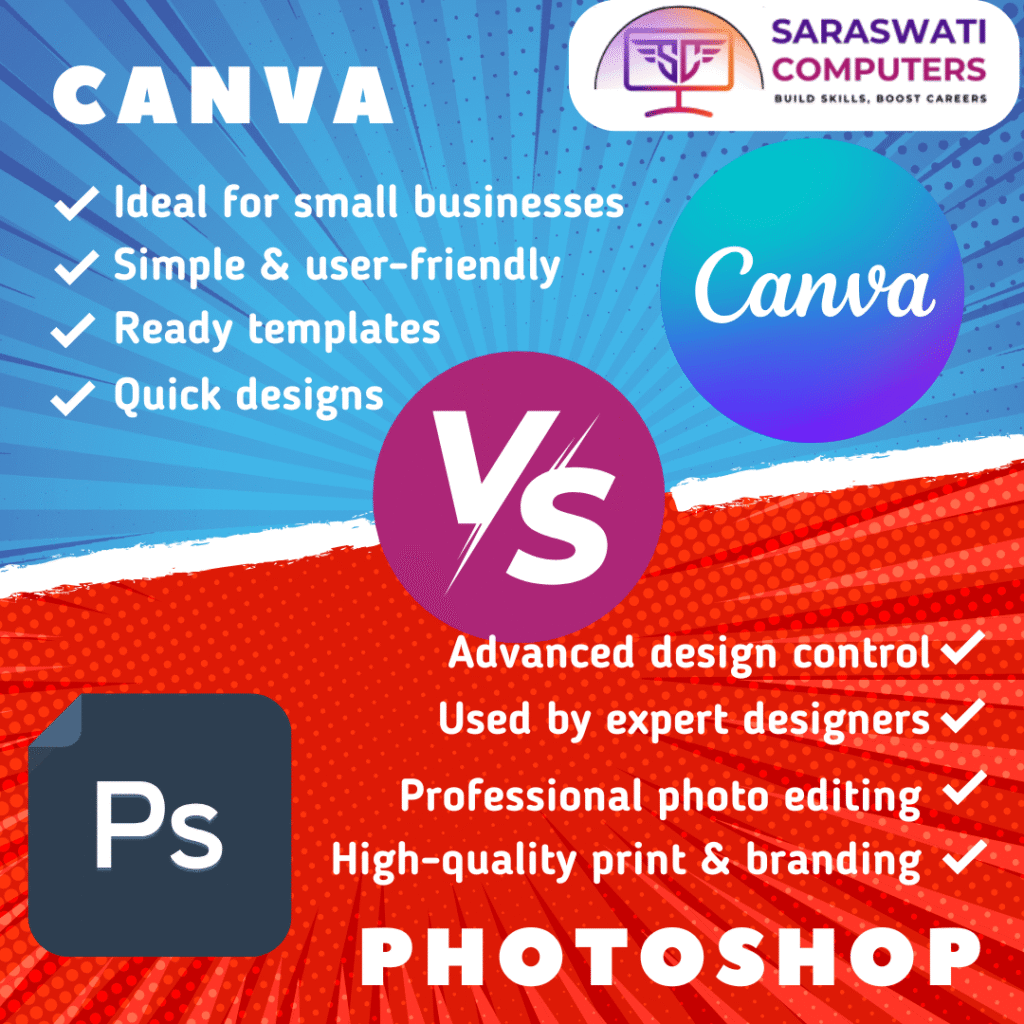
Canva is an online graphic design platform created for people who want quick and easy designs without learning complex software. Small business owners, students, marketers, and beginners widely use Canva.
Canva works directly in your web browser or mobile app. You don’t need to install heavy software or have prior design experience. With thousands of ready-made templates, Canva allows anyone to create professional-looking designs in minutes.
Key Features of Canva
- Drag-and-drop interface
- Pre-designed templates for social media, posters, flyers, presentations, and more
- Free and paid versions are available.
- Cloud-based (access designs from anywhere)
- Easy collaboration with teams
Best Use Cases for Canva
- Social media posts (Instagram, Facebook, WhatsApp status)
- Basic marketing creatives
- Posters, banners, and invitations
- Presentations and quick branding materials
Canva is the best design tool for small businesses that need fast designs without hiring a professional designer.
What Is Photoshop?
Adobe Photoshop is professional and best design tool and photo-editing software used worldwide by graphic designers, photographers, and creative agencies. Unlike Canva, Photoshop offers complete creative freedom and advanced tools for high-quality design work.
Photoshop requires installation on a computer and has a learning curve, but it delivers unmatched control and precision.
Key Features of Photoshop
- Advanced photo editing and retouching
- Layer-based design system
- High-resolution output for print and digital media
- Full control over colors, typography, and effects
- Industry-standard software
Best Use Cases for Photoshop
- Professional branding and logo design
- Photo retouching and manipulation
- Print materials like brochures, hoardings, and magazines
- Complex graphics and custom designs
Photoshop is ideal for professionals and businesses that focus on strong branding and high-quality visuals.
Canva vs Photoshop: Ease of Use
When it comes to ease of use, Canva clearly wins. You can start designing within minutes, even if you have never used a best design tool before. The interface is simple and beginner-friendly.
Photoshop, on the other hand, requires time and practice. Beginners may find it confusing at first, but once mastered, it becomes a powerful creative tool.
Quick Comparison:
- Canva: Beginner-friendly
- Photoshop: Professional-level learning curve
Canva vs Photoshop: Design Flexibility
Canva provides limited flexibility because you work within templates. While this is great for speed, it can restrict creativity if you want something truly unique.
Photoshop offers complete freedom. You can create designs from scratch, manipulate images, and customize every small detail.
Verdict:
- Canva = Speed & simplicity
- Photoshop = Creativity & control
Canva vs Photoshop: Cost Comparison
Canva has a free version, which is enough for basic designs. Canva Pro is affordable and suitable for small businesses as best design tool.
Photoshop requires a monthly or yearly subscription, which is more expensive but justified for professional work.
For budget-conscious users, Canva is a great starting point. For serious design work, Photoshop is an investment.
Which Tool Should You Choose?
Here’s a simple way to decide:
Choose Canva if:
- You are a small business owner
- You need quick social media designs
- You don’t have design experience
- You want fast and affordable results
Choose Photoshop if:
- You are a designer or photographer
- You need professional branding
- You work on print or high-quality visuals
- You want full creative control
At Saraswati Computers, we believe that both tools are useful and best design tool when used correctly. Many businesses even use Canva for daily posts and Photoshop for branding and advanced designs.
How Saraswati Computers Can Help You
If you are confused about choosing the best design tool or want professional guidance, Saraswati Computers is here to help. We assist businesses, students, and professionals with digital solutions, design support, and computer education.
Whether you want to:
- Learn Canva or Photoshop
- Improve your business branding
- Get help with digital marketing creatives
- Understand the right tools for your growth
We provide simple, practical, and affordable solutions tailored to your needs with best design tool.
Final Thoughts
Canva and Photoshop are not competitors—they are tools with different purposes. Canva is perfect for speed and simplicity, while Photoshop is best for professional quality and creative depth.
The right choice depends on what you want to create, the amount of time you have, and your long-term objectives.
If you are still unsure, don’t worry—expert guidance can save you time, money, and effort.
📞 Get Expert Guidance Today
🌐 Visit: https://sandeep.blog096.com/
📲 WhatsApp: 9997975593
Saraswati Computers
Smart Digital Solutions for Your Business